


If you are comparing Shopify and WooCommerce for a catalogue of 10,000 products, the product count is probably the easiest part of the decision.
Both platforms can support a catalogue of that size. What determines whether the store remains fast, manageable and profitable is everything surrounding those products: variants, attributes, search, filtering, pricing, inventory ownership, ERP updates, customer-specific rules, checkout requirements and the people responsible for running the platform after launch.
This is where many platform comparisons become unhelpful. They list themes, apps, hosting and transaction fees, but they do not examine how the business actually creates, enriches, prices, sells and fulfils products. A platform that looks simpler during a demo can become complicated once real catalogue workflows are introduced.
The right question is therefore not, “Can Shopify or WooCommerce hold 10,000 products?” It is, “Which platform can support our hardest operational workflows without creating fragile dependencies?”
Ten thousand products is a number not a platform strategy

A catalogue with 10,000 simple products can be easier to operate than one with 800 highly configurable products. Product count does not reveal how much data each item carries, how frequently it changes or how buyers need to find and purchase it.
Before comparing platforms, clarify whether “10,000 products” means 10,000 parent products, 10,000 sellable variants or a combination of both. A catalogue containing colour, size, material, voltage, region and pack-size combinations behaves very differently from a catalogue of standalone items.
The following questions are usually more important than the headline product count:
- How many variants and attributes does a typical product have?
- Which system owns product descriptions, specifications, images, pricing and inventory?
- How often must catalogue data be imported or synchronised?
- Do customers need fast filtering across technical attributes?
- Are retail, wholesale, regional or contract prices required?
- Must buyers request quotes, place repeat orders or upload purchase orders?
- Does checkout need custom shipping, tax, payment or approval logic?
- Who will maintain integrations, extensions, hosting and platform updates?
Once these answers are documented, the Shopify versus WooCommerce discussion becomes much more practical.
Shopify for a 10000 product catalogue
Shopify is often attractive to businesses that want a managed commerce platform. Hosting, core security, infrastructure and platform updates are handled within the Shopify ecosystem by Shopify development company, allowing the internal team to focus more on products, merchandising, campaigns and fulfilment.
A catalogue of 10,000 products is not unusual for Shopify. The more important checks concern individual product complexity, integration architecture and whether required workflows fit Shopify’s platform model. Shopify’s current product model can support large numbers of variants, although some themes, apps and sales channels may have lower compatibility thresholds. Those dependencies should be tested with representative products before the platform is selected.

Shopify is likely to fit well when
- The business prefers managed hosting and less responsibility for infrastructure.
- Product data, pricing and inventory can be mapped cleanly into Shopify’s model.
- Required checkout and account workflows fit native features or well-supported extensions.
- The team values predictable administration and a mature app ecosystem.
- International selling can be handled through Shopify Markets and the selected plan.
- The organisation accepts that deeper customisation may require apps, Functions, custom apps or a higher plan.
What to test carefully on Shopify
Do not evaluate Shopify using only a theme demo. Prototype the products and workflows most likely to expose constraints: the product with the most variants, the most complex B2B customer, the largest import, the most unusual shipping rule and the checkout journey with the greatest custom logic.
- Variant and option requirements, including compatibility with themes, apps and sales channels
- Bulk catalogue creation, enrichment and ongoing CSV or API updates
- Search and filtering across technical or industry-specific attributes
- Customer-specific prices, catalogues, quantity rules and approval workflows
- Checkout customisation and dependence on the selected Shopify plan
- App costs, overlapping apps and the long-term ownership of custom integrations
- API limits, error handling and reconciliation for ERP, PIM or inventory syncs
Shopify’s B2B capabilities now include catalogues, quantity rules and volume pricing, but feature availability and the number or specificity of catalogues vary by plan. A B2B business should validate its exact company, location, price-list and purchasing rules rather than assuming that “B2B supported” means every wholesale workflow is native.
WooCommerce for a 10000 product catalogue
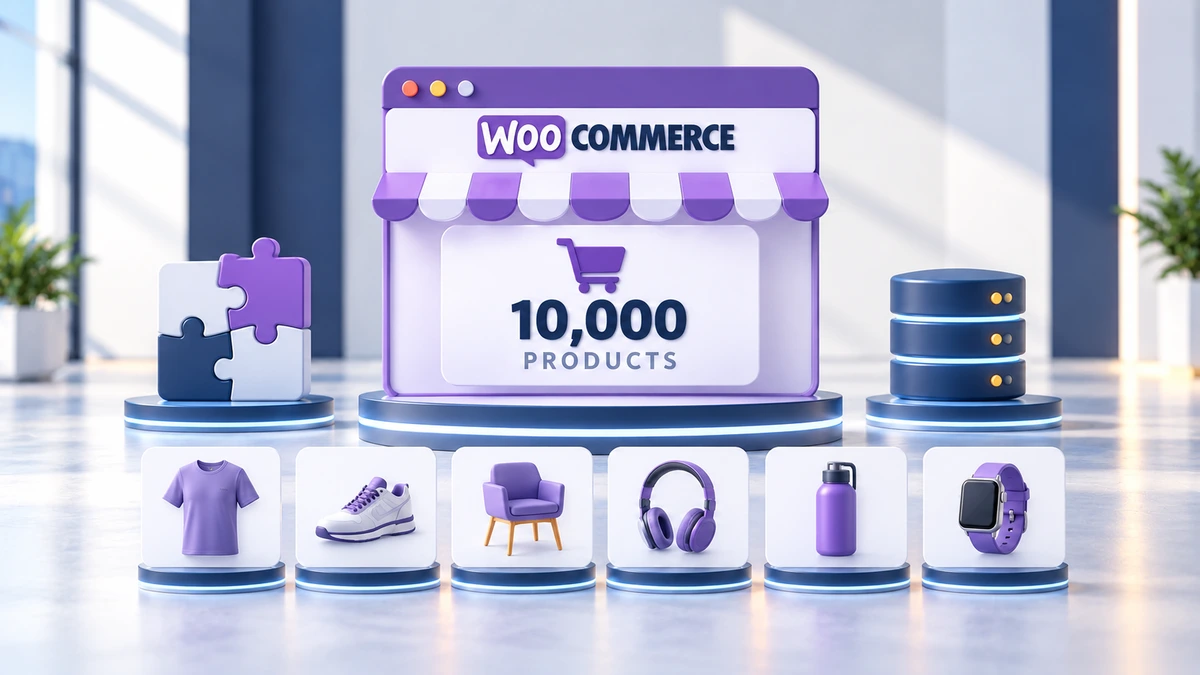
WooCommerce offers a different kind of advantage: control. It runs within WordPress, which makes it especially useful when content, commerce and custom workflows need to live in the same system. With the help of a professional WooCommerce development company, Businesses can control hosting, code, database access, templates, product logic and integrations more directly.
WooCommerce can support large catalogues, but performance is not automatic. The result depends heavily on hosting architecture, database health, caching, search implementation, image delivery, extension quality and custom-code discipline. A poorly assembled WooCommerce store can struggle with far fewer than 10,000 products, while a carefully engineered store can operate successfully at a much larger scale.
WooCommerce is likely to fit well when
- The business needs substantial control over catalogue, pricing or ordering logic.
- Content marketing and commerce must work closely within WordPress.
- Custom integrations or workflows are central to the operating model.
- The organisation wants freedom to choose hosting, search, caching and supporting services.
- A capable technical partner or internal team can maintain performance, security and compatibility.
- The business wants to avoid being constrained by a hosted platform’s standard workflow boundaries.
What to test carefully on WooCommerce
- Database and query performance with the real number of products and variations
- Product search, filtering and faceted navigation under production-like load
- Compatibility and overlap among pricing, B2B, multilingual and catalogue extensions
- Object caching, full-page caching, CDN behaviour and cache exclusions
- Bulk imports, scheduled syncs and background-processing queues
- Admin performance for product, order and reporting workflows
- Update, backup, security and staging procedures
WooCommerce’s High-Performance Order Storage improves the scalability and reliability of order data by using dedicated tables. That is valuable for stores with substantial order volume, but it does not by itself solve product-query, search, filtering or extension-related bottlenecks. Product catalogue performance still needs to be designed and tested independently.
The comparison that actually matters
| Decision area | Shopify perspective | WooCommerce perspective |
|---|---|---|
| Infrastructure | Managed platform reduces hosting and core maintenance responsibility. | Business controls hosting and architecture but must maintain them. |
| Catalogue model | Structured platform model; validate variants, apps and channel compatibility. | Highly extensible product model; complexity can increase database and extension load. |
| Custom workflows | Often delivered through native features, apps and custom apps within platform boundaries. | Deep code-level customisation is possible, with greater ownership and testing responsibility. |
| Search and filtering | Native and app-based options; validate attribute scale and merchandising needs. | Can use native, extension or external search; requires careful performance architecture. |
| B2B pricing | Catalogues, quantity rules and volume pricing are available, with plan-dependent capabilities. | Flexible through extensions or custom development; compatibility and performance require governance. |
| Integrations | Strong APIs and app ecosystem; design around platform and API behaviour. | Direct database and code access offers flexibility; integrations must follow WooCommerce APIs and data models. |
| Maintenance | Lower infrastructure responsibility, but apps and integrations still require ownership. | Hosting, WordPress, WooCommerce, extensions, security and performance all require active maintenance. |
| Cost pattern | Subscription, plan, app and transaction-related costs can be more predictable but may rise with complexity. | Core software is open source, but hosting, extensions, development and maintenance determine real cost. |
Follow the product data before choosing the storefront

For a large catalogue, the e-commerce platform rarely works alone. Product names may begin in an ERP. Marketing descriptions and media may live in a PIM. Stock can come from warehouses or distributors. Contract prices may be maintained in a CRM or accounting system. Orders may flow back into fulfilment, finance and customer-service systems.
Map this data flow before evaluating themes or plugins. For every important field, identify the authoritative system, update direction, frequency, validation rule and failure owner.
- Which system is authoritative for SKU, title, attributes, price and inventory?
- Are updates real time, scheduled or manually triggered?
- How are deleted, rejected or conflicting records handled?
- Can failed updates be retried without duplicating products or orders?
- How will teams know when catalogue data is stale?
- What happens during bulk imports, price changes and seasonal traffic peaks?
A platform may look ideal until integration requirements are introduced. In many large-catalogue projects, the quality of the sync architecture matters more than the platform logo.
Search filtering and merchandising can decide the project

A catalogue is useful only when buyers can find the right product. Large stores should test search relevance, typo tolerance, synonyms, SKU search, attribute filters, category logic, sort rules and zero-result behaviour with realistic data.
This is particularly important for industrial, technical, automotive, electronics, fashion and replacement-part catalogues. Buyers may search using model numbers, dimensions, materials, compatibility terms or abbreviated product names. Standard keyword search may not be enough.
Ask both platform teams to demonstrate the same tasks: find an exact SKU, narrow a large category using multiple filters, locate a compatible product using non-marketing terminology and recover from a zero-result search. Test response time on mobile and under load.
B2B and customer specific pricing change the decision
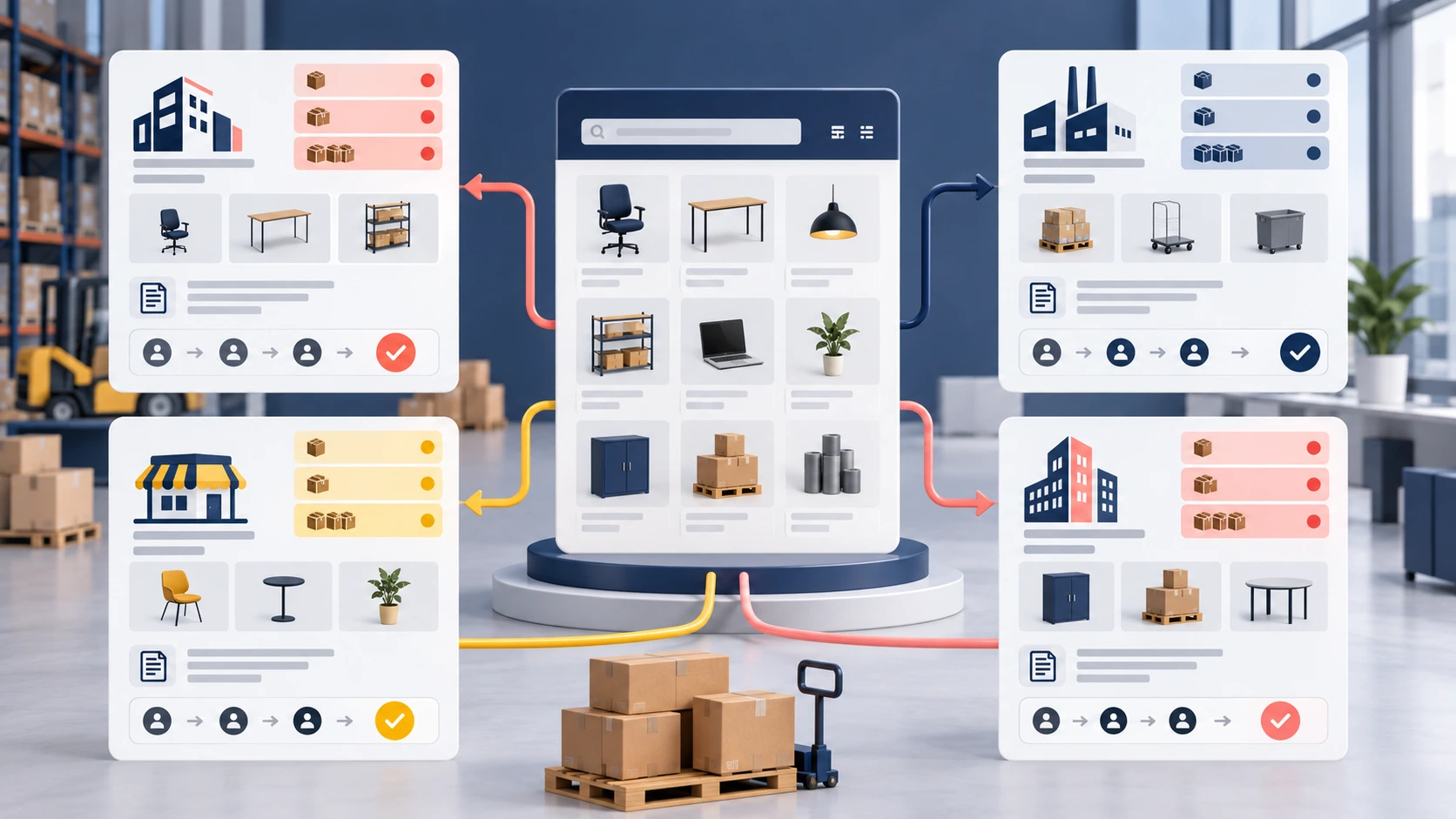
Retail pricing is usually straightforward. B2B commerce is not. A wholesaler may need customer-specific catalogues, multiple price tiers, minimum quantities, pack-size increments, volume breaks, credit terms, tax exemptions, approval flows, sales-representative access and restricted products.
Shopify and WooCommerce can both support B2B selling, but they reach the result differently. Shopify provides native B2B capabilities that vary by plan and catalogue configuration. WooCommerce commonly combines specialised extensions and custom development. The correct choice depends on how closely the native platform model matches the business rules and how much custom ownership the organisation accepts.
Do not select a platform based on a checklist that simply says “B2B: yes.” Model two or three real customer accounts and price scenarios from start to finish.
Cost should be measured as total ownership
Shopify is not always more expensive, and WooCommerce is not automatically cheaper because it is open source. Compare the full three-year cost of running the required operating model.
- Platform subscription or hosting infrastructure
- Themes, extensions, apps and search services
- Initial development and catalogue migration
- ERP, PIM, CRM, shipping and payment integrations
- Performance optimisation and monitoring
- Security, backups, staging and incident response
- Ongoing development, maintenance and compatibility testing
- Internal administration and manual-workaround costs
A cheaper launch can become the more expensive platform if it requires several overlapping apps, manual catalogue corrections or fragile integrations. Conversely, a heavily customised build may not be justified when the business can operate comfortably within a managed platform’s standard model.
How to make the platform decision
Instead of comparing feature lists, run a short proof of concept using the hardest representative workflow.
- Import a meaningful sample containing simple, variable and exception products.
- Apply the most complex retail or B2B pricing rule.
- Run a real inventory or ERP update and deliberately introduce an error.
- Test category browsing, search and multi-attribute filtering.
- Complete checkout using the most demanding shipping and payment scenario.
- Ask the operations team to update products and fulfil a test order.
- Measure storefront, admin and integration performance.
Document where each platform uses native functionality, an extension, a custom integration or a manual workaround. The platform requiring the least fragile complexity for your highest-value workflows is usually the better long-term choice.
So which platform should you choose

Choose Shopify when managed infrastructure, operational simplicity and alignment with its commerce model matter more than deep code-level control. It is especially compelling when the catalogue and checkout can be supported cleanly through native capabilities and a limited, well-governed set of apps or integrations.
Choose WooCommerce when workflow flexibility, WordPress content integration and ownership of custom behaviour are central to the business. It is strongest when the organisation has the technical capacity to manage hosting, extensions, security and performance as an ongoing product—not a one-time website project.
For a 10,000-product catalogue, neither answer should be based on product count alone. Start with operations, data and buyers. The storefront technology should follow.