

A website redesign is often approved because the existing site looks dated, is difficult to manage, converts poorly or no longer represents the business. Those are valid reasons to redesign. The risk begins when the project is treated only as a visual exercise.
A ranking website is not merely a collection of layouts. It has accumulated search signals through its URLs, content, internal links, external links, structured data, performance history and user behaviour. A new design can improve the experience while unintentionally removing the very signals that made the old website visible.
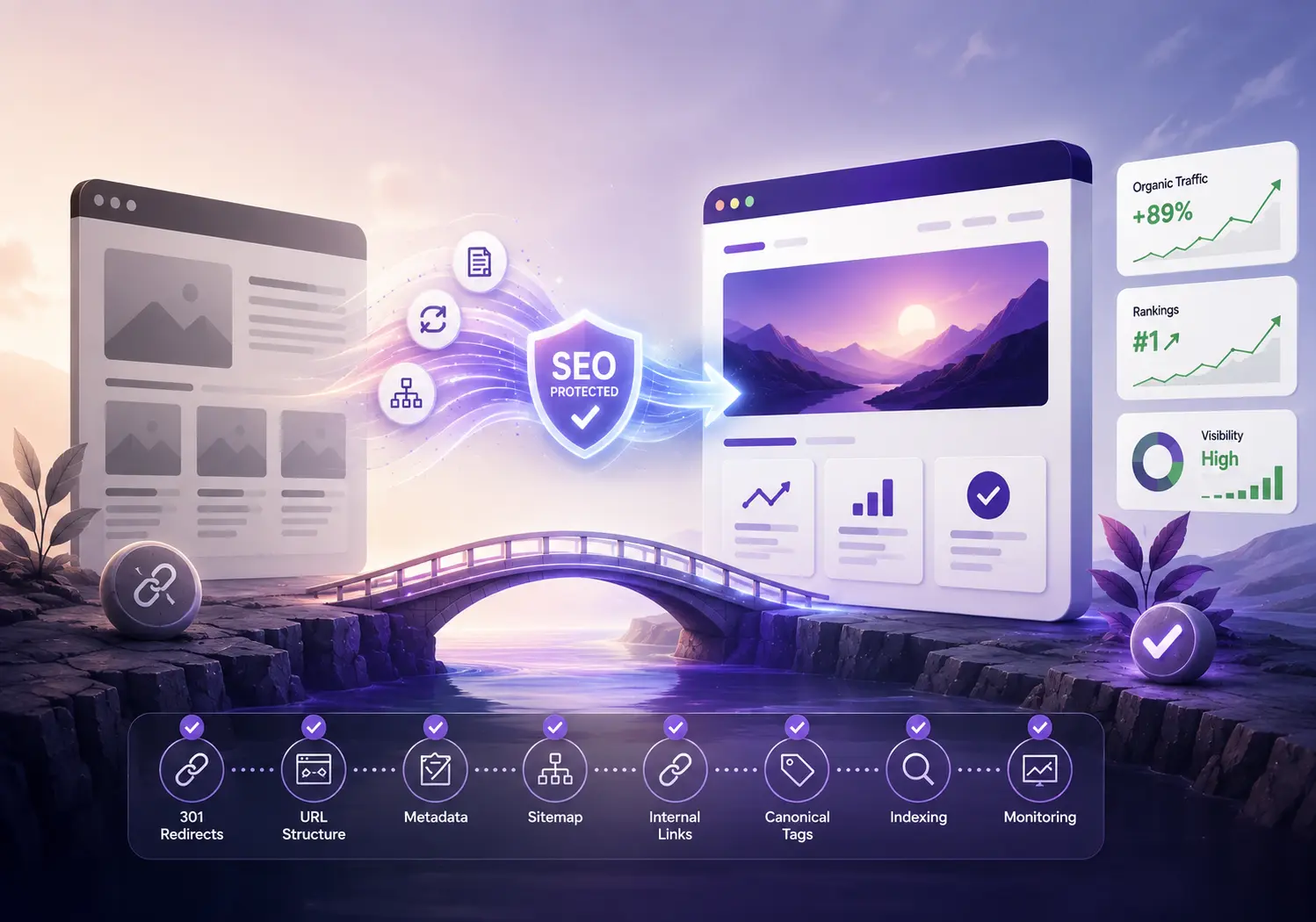
The safer approach is to treat the redesign as both a design project and a controlled SEO migration. The goal is not to freeze the current website. It is to understand what already works, improve it deliberately and carry its search equity into the new system.
Why websites lose traffic after a redesign

Organic losses are rarely caused by a modern colour palette or a cleaner interface. They usually occur because the redesign changes underlying signals without a preservation plan. High-performing URLs may be renamed, consolidated or deleted. Copy may be shortened until a page no longer answers the search intent it previously served. Internal links may disappear with the old navigation. Metadata, canonicals, schema or hreflang annotations may not reach the new templates. JavaScript rendering, image weight or third-party scripts may also change how quickly and reliably pages can be crawled and used.
The risk increases when a redesign also includes a platform change – for example, WordPress to Shopify, a legacy PHP system to Laravel, or one CMS to another. The visual launch and the technical migration then happen at the same time, making it harder to isolate the cause of any decline.
Google recommends careful URL mapping and permanent server-side redirects for site moves with URL changes. It also advises monitoring both old and new URLs during the transition. That is why SEO decisions must be made before development is complete, not after the new website is ready to publish.
1. Benchmark the existing website before design begins
Before changing templates or rewriting copy, capture a baseline. The team needs to know which pages attract qualified traffic, rank for commercially useful searches, earn external links and support enquiries or sales. Without that baseline, a post-launch traffic drop may be visible but difficult to diagnose.
- Organic landing-page clicks, impressions, positions and click-through rates
- Conversions and assisted conversions by landing page
- Pages with valuable backlinks or referral traffic
- Top-performing branded and non-branded search queries
- Indexed pages, exclusions, crawl errors and canonical patterns
- Current Core Web Vitals and page-template performance
- Existing schema, international annotations and XML sitemaps
Export the data close to project kickoff and retain it for post-launch comparison. Segment the baseline by page type – service, product, category, article, location and campaign landing page – because a site-wide average can hide important losses.
2. Build an SEO preservation inventory
A crawler export or XML sitemap is a useful starting point, but it is not the complete inventory. Add performance and business context to every important URL. Record its primary intent, target topic, title, H1, canonical, indexability, internal links, backlinks, conversions, structured data and proposed redesign action.
For each page, choose one of four decisions:
- Keep: the URL and purpose remain substantially
- Improve: retain the URL while strengthening content, usability or conversion
- Merge: combine overlapping pages into one stronger destination and redirect the retired
- Retire: remove a page only when it has no continuing user, search, link or business
This inventory changes the design conversation. A ranking service page is no longer an empty rectangle to be simplified at will; its proven intent and important content become requirements for the new template.
3. Create a one-to-one URL and redirect map
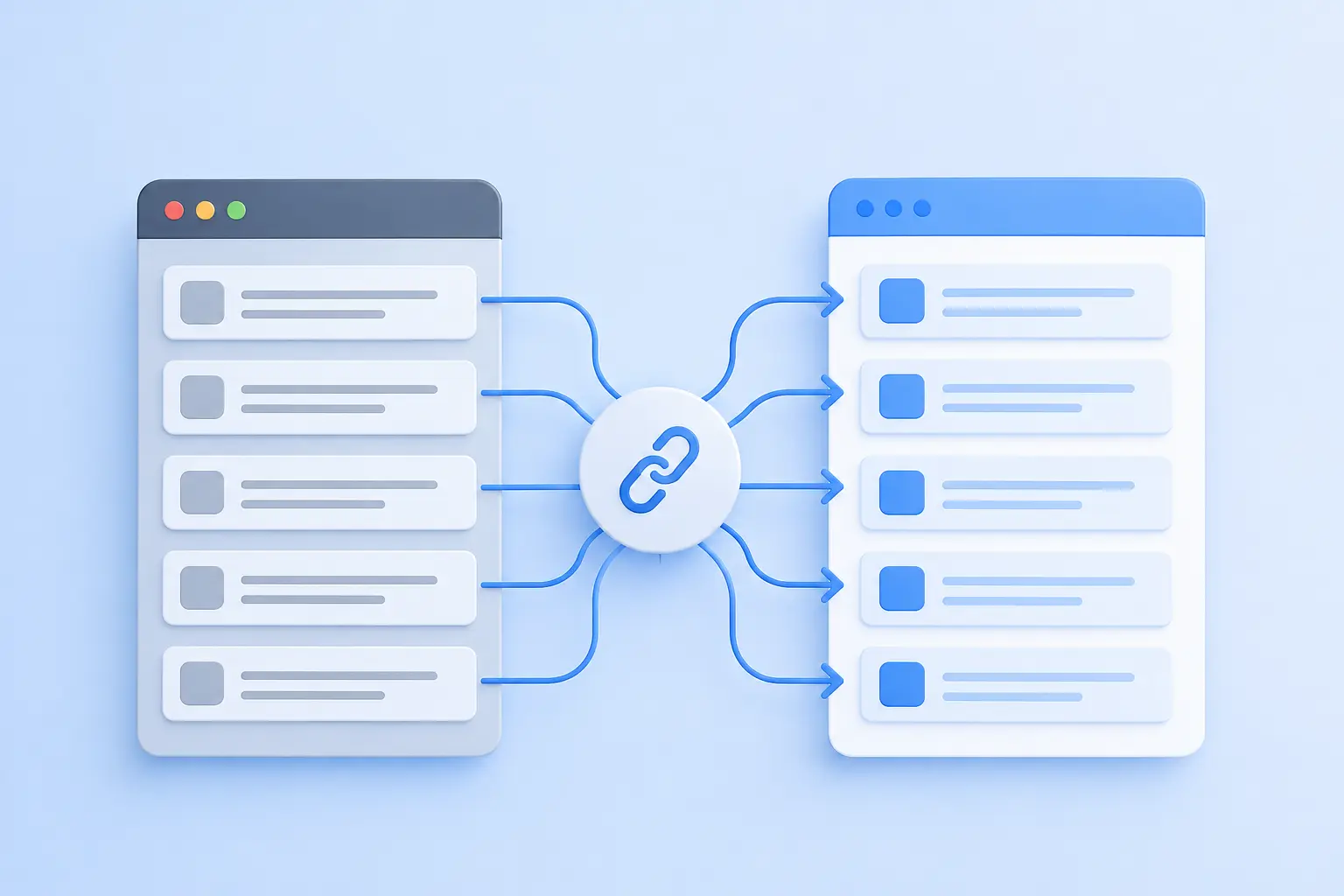
If URLs must change, map every old indexable URL to the most relevant new destination. Use permanent
server-side redirects where a page has moved. Avoid sending all removed pages to the homepage, creating redirect chains or mapping unrelated pages merely to avoid a 404.
The mapping sheet should include the old URL, proposed new URL, action, redirect type, content owner, implementation status and validation result. It should also identify URLs that will remain unchanged, because accidental changes often occur during template or CMS configuration.
Where two pages are merged, the destination should incorporate the useful intent and information from both pages before the redirects go live. Where no relevant replacement exists, a genuine 404 or 410 response may be more honest than a misleading redirect.
4. Preserve on-page relevance and internal authority
A redesigned page can be visually cleaner without becoming thin. Preserve the topic, search intent and evidence that made the page useful. Review the title, H1, supporting headings, body copy, FAQs, proof points, media alt text, internal links and calls to action as a connected system.
Internal linking deserves special attention. Navigation changes can remove links from strong pages to priority destinations. Rebuild those paths intentionally using menus, contextual links, breadcrumbs and related-content components. Update internal links to point directly to final URLs rather than relying on redirects.
Structured data should accurately represent visible page content and be revalidated on the new templates. Correct markup can make a page eligible for supported search appearances, but it does not guarantee them. Test eligible types with Google’s Rich Results Test and check live rendering after launch.
5. Protect staging and validate technical SEO
A staging website should be protected from public discovery, preferably through authentication or network-level access controls. A noindex directive can be used as an additional safeguard, but it must be removed before launch. Do not assume robots.txt alone will prevent indexing: a disallowed URL can still appear in search results without a useful snippet, and a crawler blocked by robots.txt cannot see a noindex directive on the page.
Technical QA should cover status codes, canonicals, indexability, robots directives, XML sitemaps, hreflang where applicable, structured data, pagination, faceted navigation, mobile content parity, image accessibility and JavaScript rendering. Crawl the staging website and compare its templates against the preservation inventory.
Performance should be assessed with both controlled tests and real-user expectations. Core Web Vitals measure loading, interactivity and visual stability, but excellent scores alone do not guarantee rankings. The objective is a fast, stable experience that supports the page’s purpose.
6. Launch with monitoring and named ownership
Launch day is the beginning of the migration, not the end. Confirm who owns redirects, crawl issues, analytics, Search Console, content corrections and rollback decisions. Validate critical journeys and high-value URLs immediately after deployment.
- Old and new URL status codes and redirect destinations
- Robots directives, canonicals and XML sitemap availability
- Analytics, forms, checkout and conversion tracking
- 404s, soft 404s, server errors and redirect chains
- Index coverage and URL Inspection for representative templates
- Organic clicks, rankings and conversions against the baseline
- Core Web Vitals and performance regressions by template
Expect normal crawling and indexing movement, but investigate material or persistent declines. Keep the old data, redirect map and rollback plan accessible for at least the first several weeks.
Common mistakes to avoid

- Starting visual design before identifying high-value pages and organic entry points
- Changing navigation, URL structure and content simultaneously without a mapped rationale
- Removing useful copy because the page looks too long in a mock-up
- Redirecting many unrelated pages to the homepage
- Launching with staging noindex directives or production crawl blocks
- Recreating schema mechanically without checking visible content and eligibility
- Treating a successful deployment as proof that the SEO migration succeeded
- Waiting for a traffic decline before assigning monitoring ownership
A redesign should improve what search visitors experience

SEO preservation does not mean keeping an outdated website unchanged. It means separating what should evolve from what should be transferred carefully. Visual hierarchy, messaging, navigation, accessibility, performance and conversion paths can all improve while valuable URLs, intent, authority and measurement remain protected.
The strongest redesign projects involve design, development, content, SEO and analytics before wireframes are final. That collaboration produces a better website and reduces the risk of asking SEO teams to repair preventable damage after launch.